
A coding agent that works inside your projects
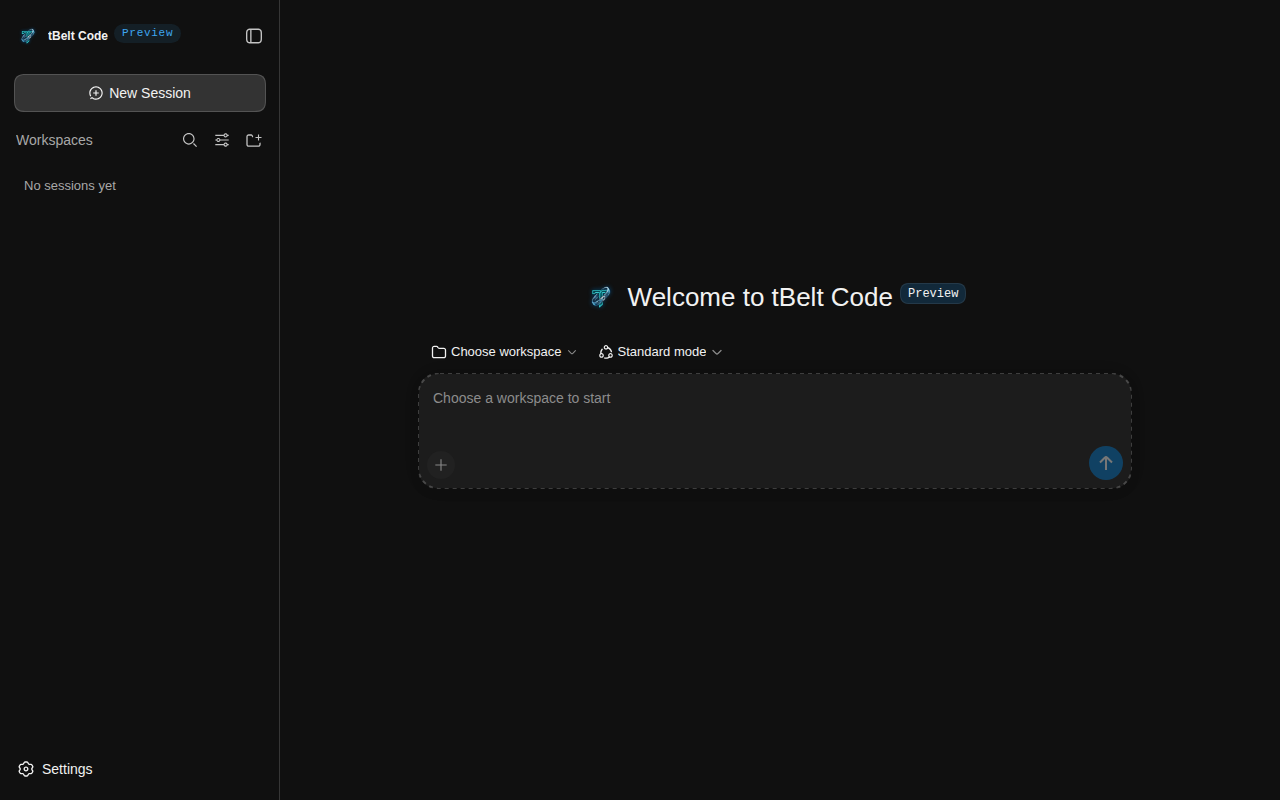
tBelt Code reads your code, edits files and runs commands in a sandbox on your own machine, with the model you choose. You decide what each session is allowed to touch.
Free for Windows, macOS and Linux.
The login form accepts an empty password. Find out why and fix it.
- grep
password src/auth4 matches - read
src/auth/validate.ts - edit
src/auth/validate.ts+3 -1 - bash
npm test -- auth12 passed
validate.ts checked that the field existed, so an empty string got through. It now rejects blank passwords, and there is a test for that case.
What it does
- Use any model
- Connect a hosted provider with an API key, or run a model locally with Ollama or LM Studio. tBelt Code doesn't pick a provider for you.
- Works through the task
- It searches and reads your code, edits files with targeted search and replace, then runs your tests or build to check the change. Each step shows up in the session as it happens.
- Undo the last turn
- Before it edits a file, tBelt Code saves a git checkpoint. Type
/undoto put the files back the way they were. Checkpoints are kept under their own ref, so your branches, index and stash are left alone. - Remembers what you tell it
- Type
/rememberfollowed by a fact, and later sessions will recall it, in this project or in all of them. Anything that looks like a key or password is redacted before it is saved. - Starts with a map of your repo
- At the start of a session it lists your files and the classes, functions and imports in each, and gives that map to the model.
- Runs commands in a sandbox
- Commands run inside the operating system's sandbox. Pick Read Only, Workspace Write or Full access for each session. Commands such as
rm -rf,git reset --hardor a force push wait for your confirmation before they run. - Keeps your sessions on your machine
- Sessions are saved per workspace on your computer. tBelt Code doesn't upload them anywhere; only the requests to your model provider leave the machine. Open an old one to continue, search through them, or archive the ones you are done with.
- Splits up large jobs
- Hand parts of a task to the Inspector, Coder and Tester subagents, and save agent presets for the kinds of work you repeat.
- Connects to your tools
- Add MCP servers, skills and plugins from the settings.
- Stays up to date
- On Windows and Linux the app checks for new versions and tells you when one is out. One click downloads it and restarts into the new version. On macOS, download the new version from this page.
Get started
Install it, pick a model, open a project.
Windows 10 or 11, 64-bit
Checking for the latest version
Download .exeIf Windows shows "Windows protected your PC", choose More info, then Run anyway. The app installs later versions itself.
macOS 12 or later, Apple silicon
Checking for the latest version
Download .dmgDrag tBelt Code into Applications. macOS blocks the first launch: open System Settings, then Privacy & Security, and choose Open Anyway. Or run xattr -dr com.apple.quarantine "/Applications/tBelt Code.app" once. The app does not update itself on macOS; download each new version here.
Linux AppImage, x86-64
Checking for the latest version
Download AppImageRun chmod +x tbelt-code-*.AppImage && ./tbelt-code-*.AppImage. Ubuntu 22.04 and later also need libfuse2. The app updates itself while the file stays where you put it.
No account needed. Add your own API key, or the address of a local Ollama or LM Studio server, under Settings, then Models.
The installers are not signed, so your system shows a warning on first launch.
tBelt Code is in a closed beta. Expect rough edges and changes between versions. Your sessions stay on your computer, so nothing is lost when you update. If something breaks, open an issue with your version, system and the steps that led to it.